
Clean Printer
Filter
Sort by:


Description
Clean Printer: Maintain Your Device for Optimal Performance
Keeping your printer clean is essential to ensure the device operates smoothly and lasts longer without issues. Clean printer maintenance prevents dust, ink clogs, and debris from damaging delicate internal parts. A well-maintained printer produces higher quality prints with crisp colors and sharp details every single time. Neglecting to clean printer components often results in paper jams, smudges, and faded output, causing frustration for users. Regular cleaning routines improve printer reliability and reduce costly repairs or replacements over time. This guide explains effective clean printer tips and the benefits of proper printer care.
Printers accumulate dust and ink residue that interfere with print quality and mechanical parts over time. Ink cartridges and nozzles stay unclogged when the printer is cleaned frequently to avoid streaky or patchy prints. Dust buildup on sensors and moving parts can trigger error messages, making cleaning critical for error-free printing.
The most important parts to clean include the print heads, rollers, exterior surfaces, and internal paper path areas. Print heads can be cleaned manually or with automated printer cleaning functions to remove ink clogs effectively. Rollers must be wiped down to remove dust and debris that could cause paper misfeeds during printing. The printer’s exterior should be dusted and wiped to prevent particles from entering the machine during operation. Opening printer covers to carefully clean inside paper trays and guides reduces the risk of paper jams. Using the right cleaning tools and solutions is essential to avoid damaging sensitive printer components.
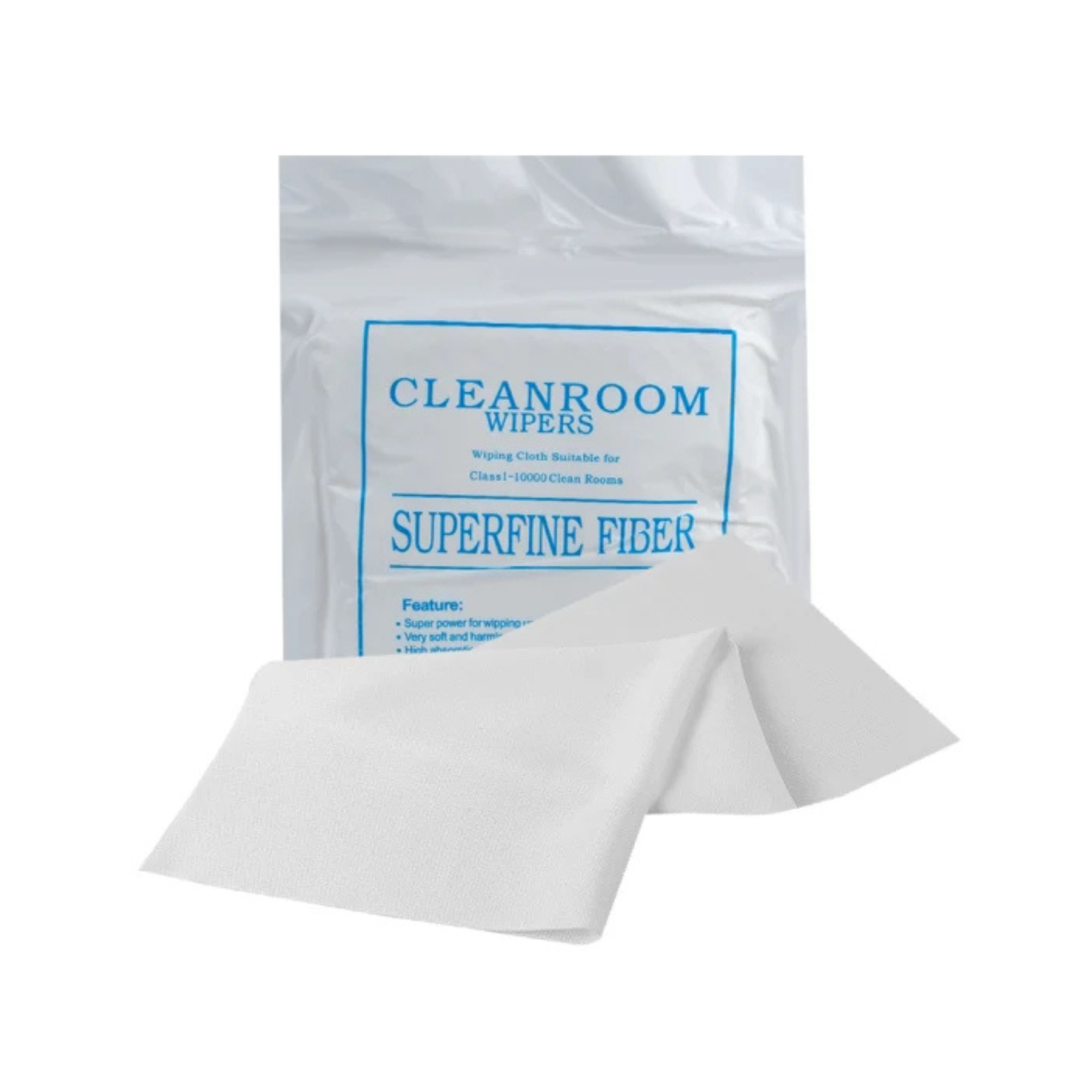
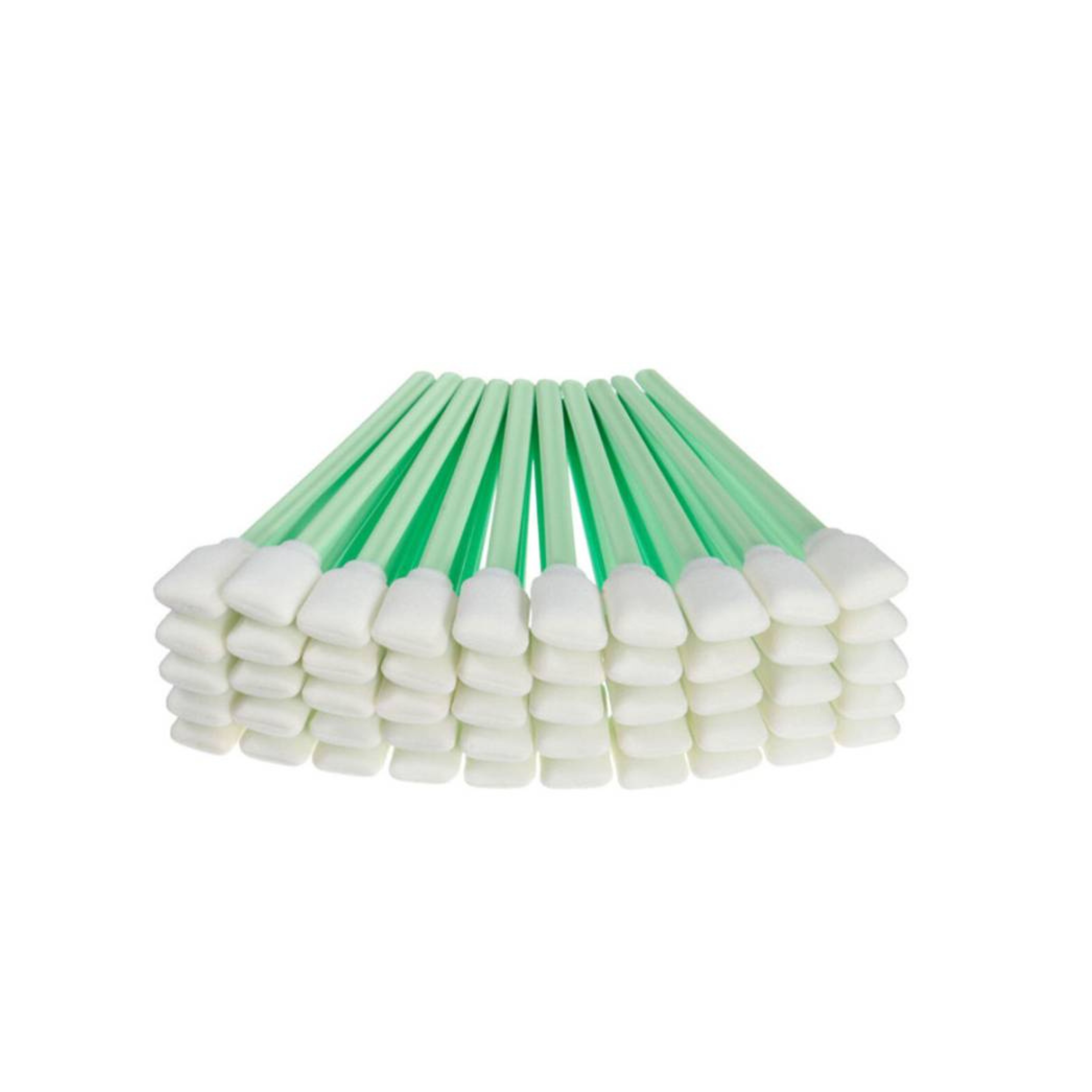
Avoid using harsh chemicals like alcohol or ammonia that might harm plastic and electronic parts inside the printer. Compressed air effectively removes dust from tight spots such as vents and print head nozzles without contact. A damp lint-free cloth can clean rollers and external surfaces gently without leaving residue. Cleaning kits specifically designed for printers often include swabs and fluids suitable for delicate electronics.
Step-by-Step Guide
First, power off the printer and unplug it to avoid electrical hazards during cleaning procedures. Remove ink cartridges and gently wipe the print heads with a lint-free cloth dampened with cleaning solution. Use compressed air to blow out dust from paper paths, rollers, and vents carefully without touching internal parts. Clean the rollers by rotating them manually and wiping off dirt and dust buildup thoroughly. Wipe down the exterior with a soft cloth to maintain a professional and dust-free appearance. After cleaning, reassemble cartridges, plug the printer back in, and run a test print to verify quality.
Benefits of Regular Clean Printer Maintenance
High-quality prints with vibrant colors and no smudging result from unclogged nozzles and clean paper feeding mechanisms. User frustration decreases as paper jams and printer errors become less frequent with proper cleaning habits. Clean printer maintenance also ensures energy efficiency by allowing the machine to work optimally without overexertion. Businesses benefit from consistent print quality that improves professionalism and customer satisfaction.
Never use abrasive materials or excessive force when cleaning printer parts to prevent damaging sensitive components. Avoid spraying liquids directly inside the printer; always apply cleaning solutions to cloths first for controlled application. Do not skip cleaning print heads regularly, as this causes ink buildup that leads to poor print results. Avoid ignoring dust buildup around rollers and paper trays, which increases the risk of paper jams and mechanical wear. Do not delay cleaning if the printer shows warning signs such as streaks or misfeeds, which indicate maintenance is needed.
Regular upkeep ensures your device functions efficiently without unexpected interruptions during important tasks or projects. Dust and debris can silently accumulate inside, leading to performance issues that might seem unrelated at first. Taking preventive steps can help avoid costly repairs and extend the lifespan of your equipment. Smooth operation depends on a combination of proper handling, quality supplies, and consistent care. Whether for home or office use, treating your machine with attention and caution ensures reliable results every single time.
Regular maintenance is a crucial habit for preserving the performance and longevity of any device, especially those used daily. Taking the time to inspect components, remove accumulated dust, and use the correct tools can prevent unexpected breakdowns. Devices that receive consistent attention operate more efficiently, produce better results, and create fewer disruptions during critical tasks. In both personal and professional settings, a proactive approach to care translates into long-term savings and fewer technical frustrations. By establishing a routine and following manufacturer guidelines, users can ensure smoother workflows and consistent output quality. Simple habits today can protect your investment for years to come.