DESCRIPTION
DTF Gang Sheet Builder for Custom Apparel
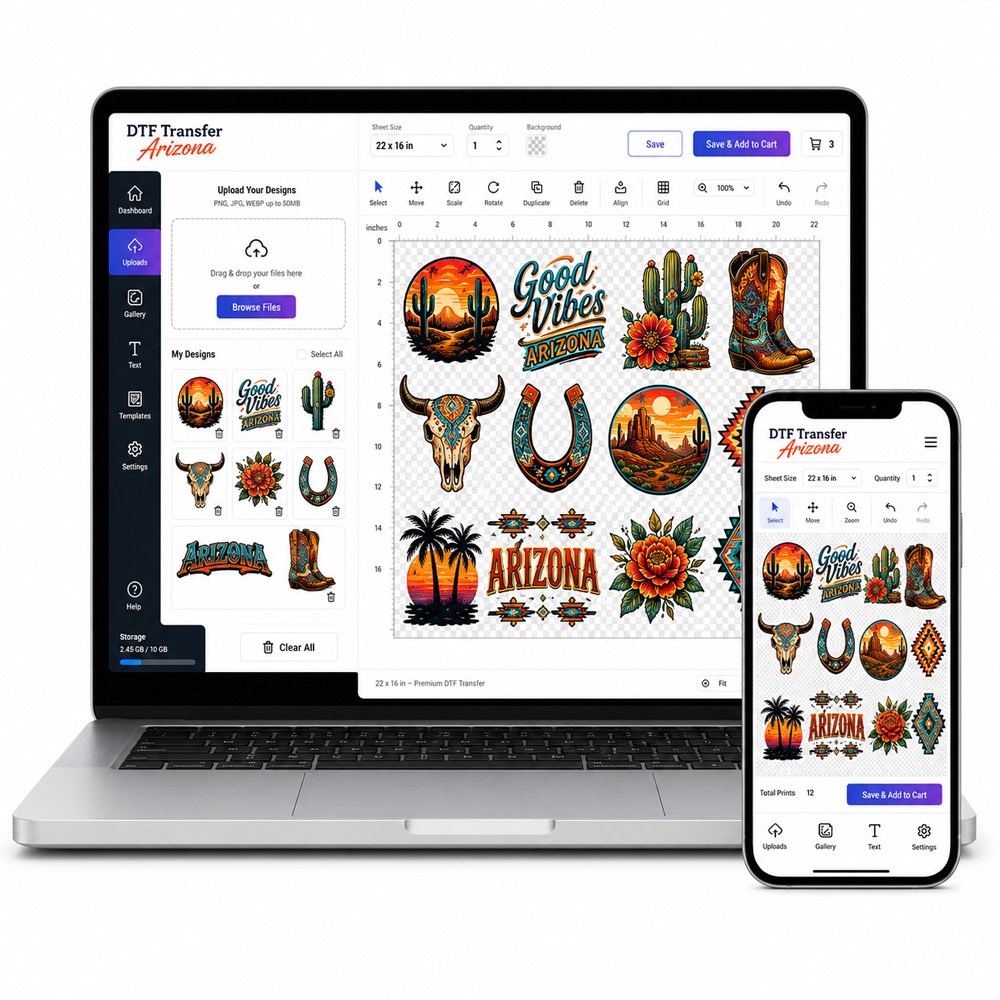
Our DTF gang sheet builder helps you arrange separate graphics into one sheet for apparel printing. Choose a sheet size, open the editor and add your artwork. Review each design’s dimensions and quantity before submitting the finished layout for your order.
Prepare Your Designs
Start with clean artwork at the size you intend to print. Follow the file and resolution guidance shown in the editor. Transparent backgrounds matter: unwanted white areas can print as white ink. Check spelling, names and fine details before placing the graphics.
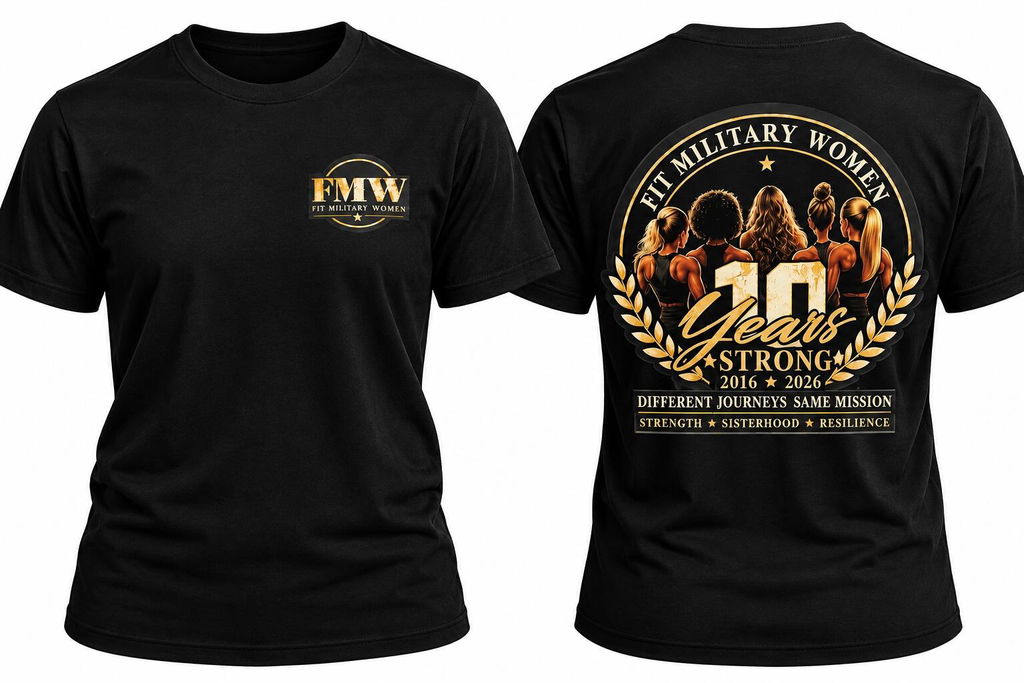
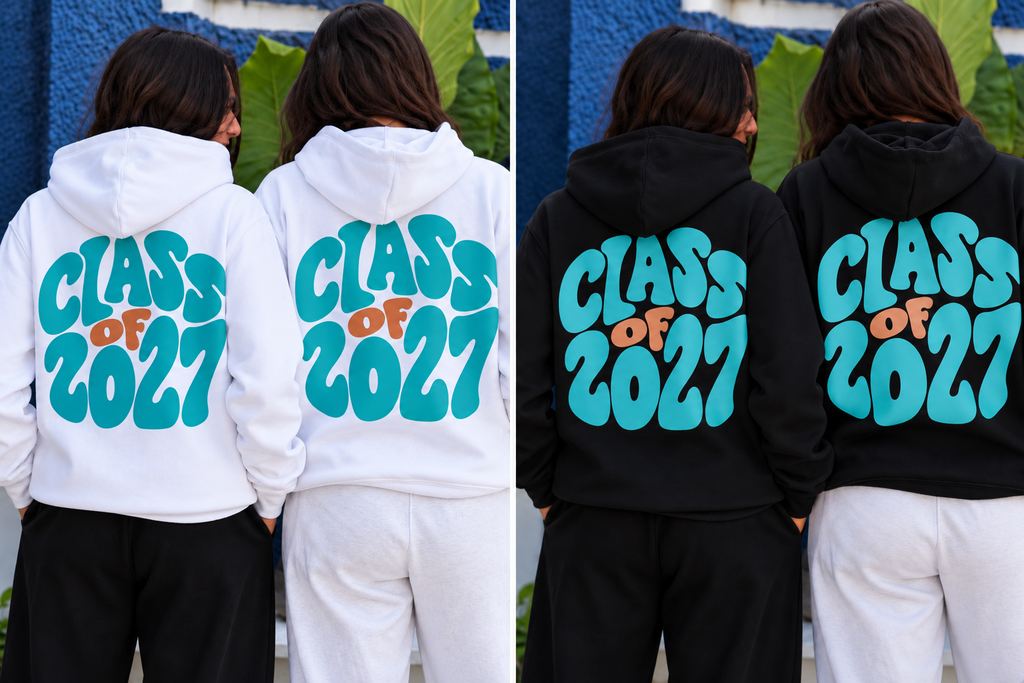
Plan your custom DTF transfers around the garment and intended placement. A sleeve logo and a full back design need different dimensions. Measure the available area first rather than relying on how large an image looks on screen.
Build and Review Your Layout
Open the editor using the “Build your own Gang Sheet” control. Add the designs you need and arrange them within the selected sheet. Keep enough space between graphics for cutting and check that nothing overlaps unintentionally.
Review the complete gang sheet layout before saving. Count repeated designs, confirm their orientation and inspect the size of each graphic. The editor displays resolution and overlap guidance; use these checks alongside your own artwork review.
For team apparel or event orders, compare the sheet against your list of names, sizes and quantities. A final check can catch missing designs before you place the order. Keep a copy of your source artwork for future projects.
Already Have a Finished Sheet?
The online editor is for arranging graphics online. If your gang sheet layout is already complete, use our prepared sheet upload product. For individual custom DTF transfers, choose transfers by size instead.
Phoenix Pickup and Shipping
Review the available delivery options at checkout. For local collection, wait for your ready-for-pickup confirmation before traveling. Our Phoenix ordering page provides local information, and you can check the pickup location on Google Maps. Contact us before ordering if you have a specific deadline.
Before Applying Your Transfers
Follow the supplied pressing instructions and check the garment’s compatibility. Confirm the recommended temperature, pressure, time and peel method. Test on a suitable sample before starting a larger production run.
PRODUCT FEATURES
Efficient, High-Volume PrintingGang sheets allow you to combine multiple designs into a single large-format sheet — ideal for batching logos, labels, or custom artwork in one print run.Available in Large SizesChoose from industry-standard widths like 22”, with customizable lengths from 24” up to 120” or more. Perfect for business production or bulk customization.Print-Ready Format RequiredWe print exactly what you upload. Your gang sheet should be fully arranged, sized, and spaced as you want it printed. No file editing or resizing is performed by our team unless otherwise requested.Premium DTF Print QualityEnjoy vibrant, high-resolution prints with strong stretch, soft feel, and wash resistance up to 60+ washes — just like our standard DTF transfers.No Minimums, No LimitsOrder exactly what you need. Whether it’s one sheet or a hundred, our setup is designed to handle any scale efficiently.Same-Day Production AvailableUpload your file and place your order by 3 PM Arizona Time (MST) for same-day printing. Fast local pickup or nationwide shipping options available.
SIZE & ARRANGEMENT TIPS
Sheet Width
All gang sheets are printed at a fixed width of 22 inches. You choose the length — common options include 24", 48", 60", or more.
Layout Responsibility
You are responsible for arranging your artwork within the sheet. We do not reposition your elements. Use graphic design tools (like Canva, Photoshop, Illustrator, or gang sheet builders) to set your layout before uploading.
Design Scaling
Ensure each design on your sheet is already scaled to the size you want it printed. For example, if you want a logo at 3”x3”, it must already be sized as such in the file.
Helpful Tip
Group similar sizes or designs together to save space and reduce waste — especially when using repeating logos or labels.
PRESSING INSTRUCTIONS
Follow these steps to apply your gang sheet transfers:
Carefully cut around each design on your sheet using scissors, a cutting mat, or request pre-cutting (if offered during checkout).
310–320°F (155–160°C)
15 seconds
Medium to firm
Use parchment paper or a Teflon sheet to protect the print.
Let the film cool for 5–10 seconds after pressing, then peel slowly from one corner.
Repress with parchment paper for 5 seconds for a smoother, matte finish and added durability.
⚠️ Always test first on sample fabric or garment before bulk pressing.
DTF Gang Sheet Builder
Pickup available at Dtf Transfer Arizona Llc Usually ready in 24 hours
Pickup available
-
Dtf Transfer Arizona Llc
Pickup available, usually ready in 24 hours
3411 East Corona Avenue
Check in google map
108
Phoenix AZ 85040
United States
Important Artwork Guidelines
Please ensure your background is completely transparent. White backgrounds will print as white ink.
File resolution must be at least 300 DPI for a crisp, high-quality print.
No semi-transparent pixels or soft gradients. Edges must be hard and clean.
Checkout with PAYPAL
Estimate delivery times: 1-3 days.
Orders placed for pick-up will be ready for same-day collection.
Guarantee Safe Checkout