About this collection
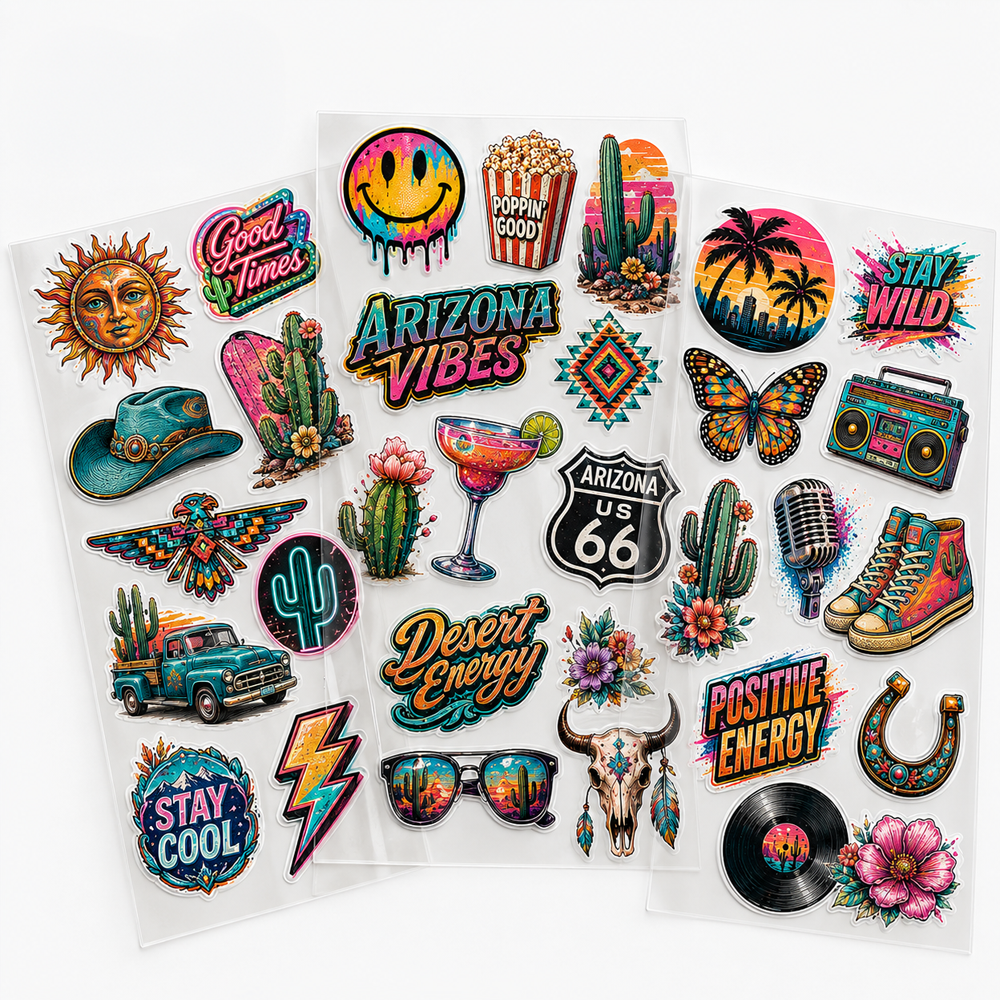
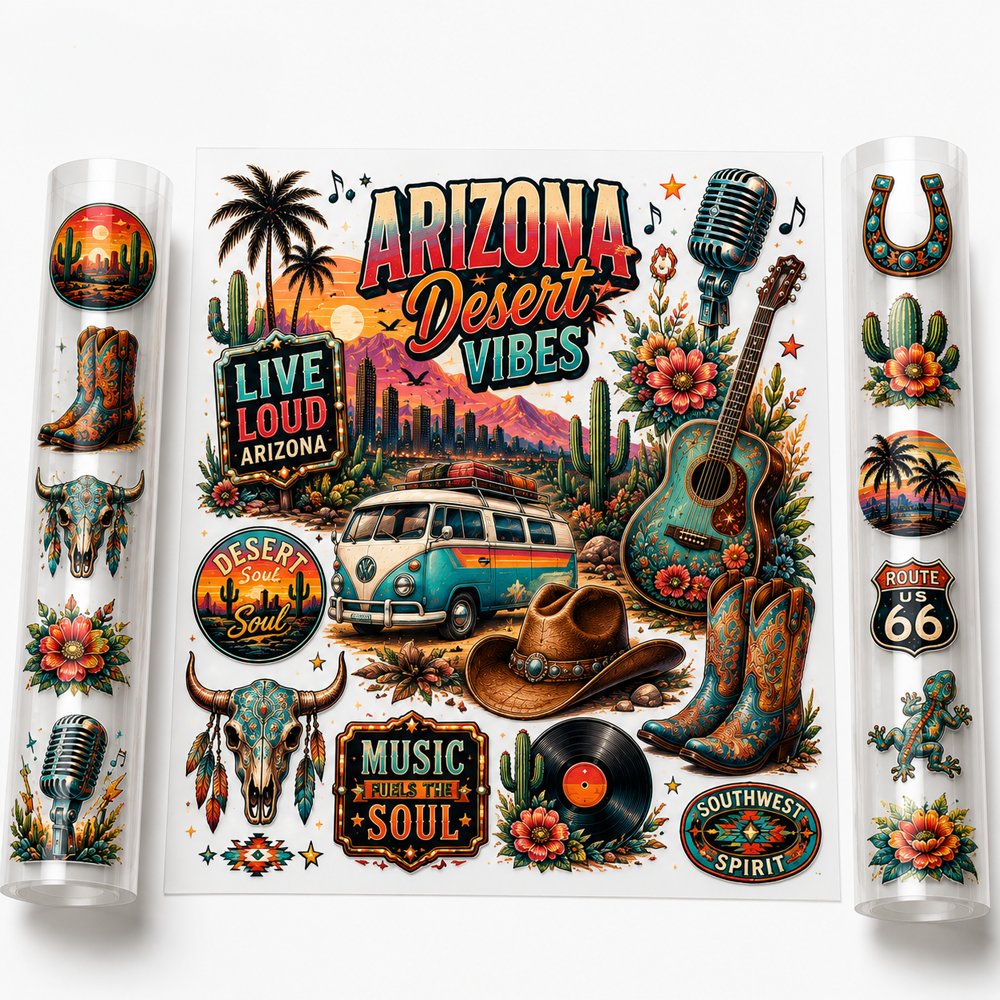
UV DTF stickers provide an option for adding custom graphics, logos, names, and decorative artwork to suitable surfaces.
Before starting a project, confirm the artwork, intended application surface, finished design dimensions, quantity, and placement so the sticker format matches the job you are preparing.
Start With the Intended Surface
Identify the exact item or surface where the sticker will be applied before finalizing the design.
Consider the usable application area, surface shape, edges, openings, and other physical details that may affect artwork placement.
Prepare the Artwork for the Available Area
Size the artwork around the actual application space rather than relying only on the overall dimensions of the item.
- Confirm the final artwork file.
- Measure the intended application area.
- Set the finished design dimensions.
- Check the artwork orientation.
- Confirm the quantity required.
Compare UV DTF Sticker Options
If you are evaluating the broader sticker category, explore UV DTF Stickers before selecting the format for your project.
This helps keep the decision focused on the finished sticker application rather than general UV printing technology.
Test the Setup Before a Larger Run
When the same design will be applied repeatedly, confirm the artwork size, orientation, and placement on the intended surface before preparing the full quantity.
Follow the application instructions provided for the specific product rather than assuming every surface or UV DTF sticker uses the same preparation and application process.
Planning an In-House UV DTF Workflow?
If the project involves production materials rather than finished sticker selection, explore UV DTF Supplies separately.
Keeping finished sticker selection and production-supply planning separate makes it easier to choose the appropriate path for the project.
Sticker UV DTF
Filter
Sort by: