About this collection
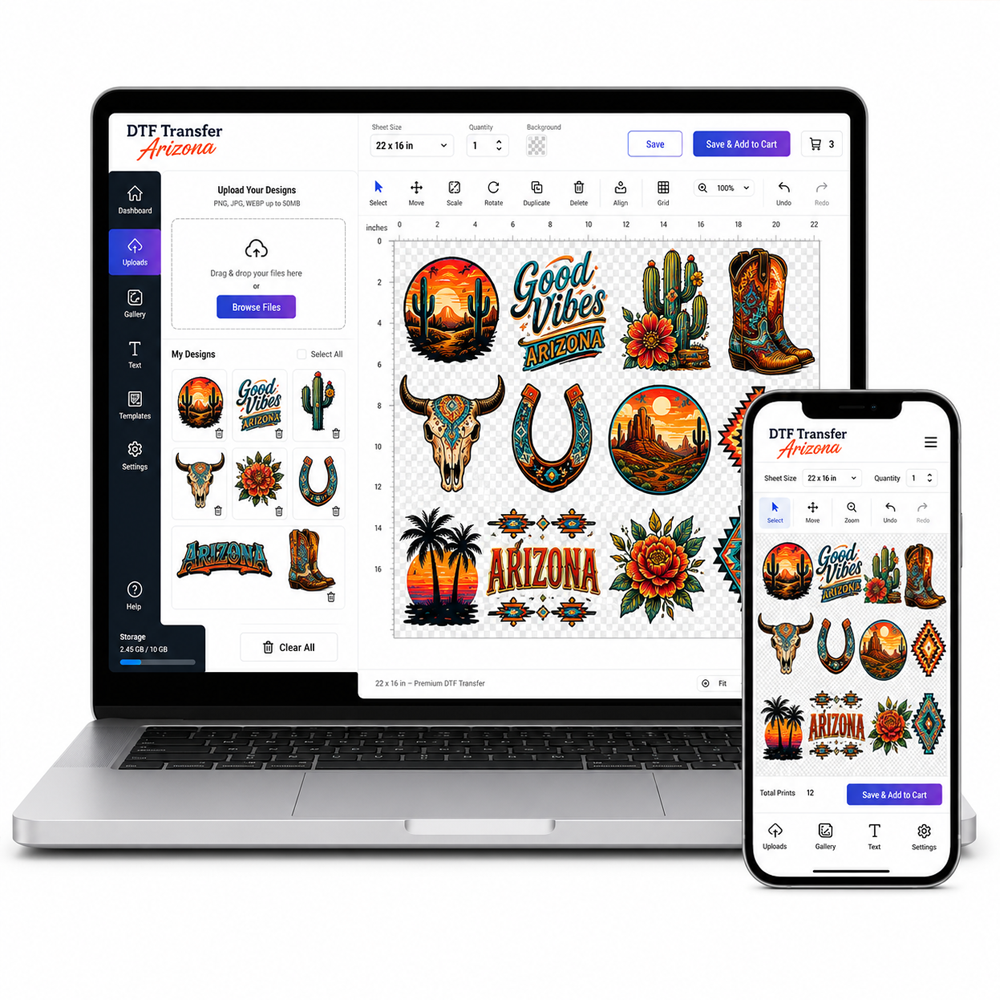
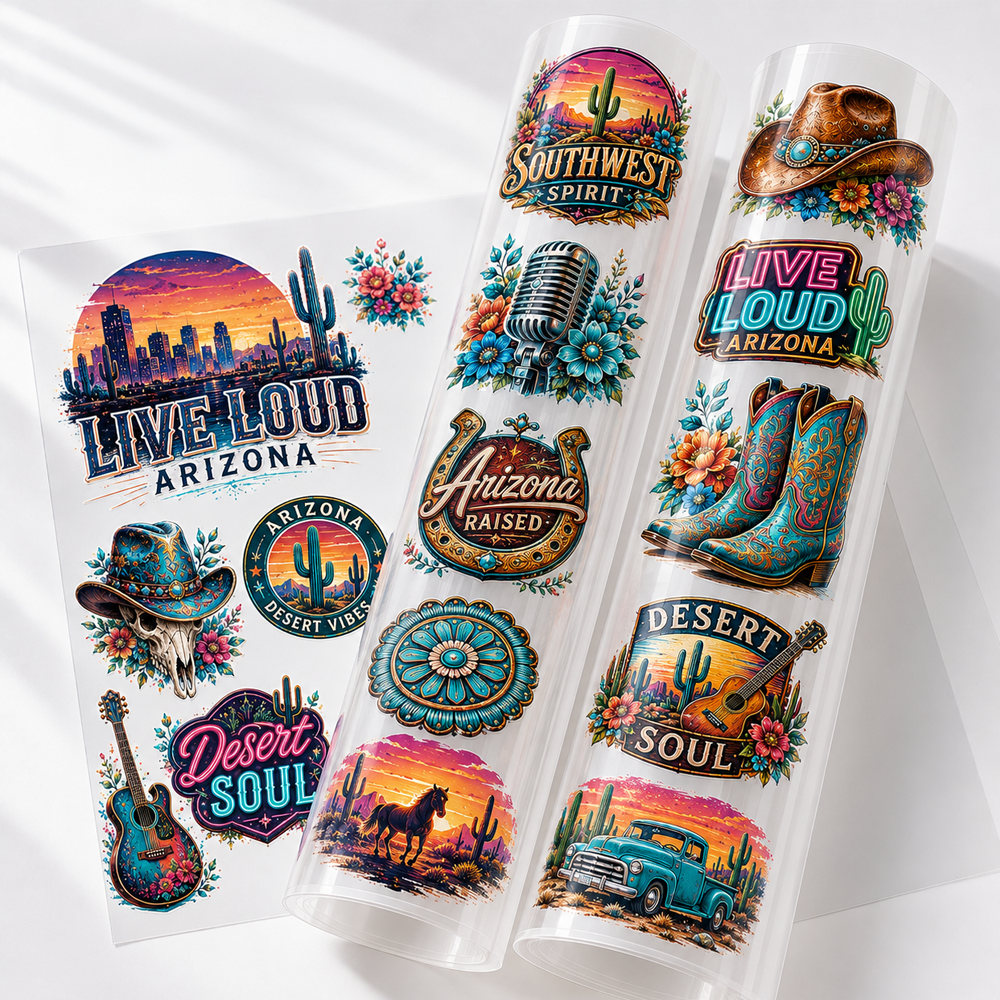
DTF transfer gang sheets let you organize multiple apparel transfers within one planned layout. The value of the format is not only fitting several graphics onto one sheet, but also keeping different sizes, repeated designs, and customer jobs organized before they reach the heat press.
A well-planned gang sheet should make sense both before printing and after the individual transfers are separated from the sheet.
Build the Sheet Around the Production Job
Start with the transfers you actually need rather than filling the sheet randomly. Group artwork according to the production job, garment placement, design size, or quantity required.
For example, one layout may include several left-chest logos, larger back graphics, and repeated artwork needed for multiple garments. Keeping related transfers together can make the finished sheet easier to process.
Build your DTF gang sheet layout when you are ready to arrange multiple designs on one sheet.
Keep Repeated Designs Easy to Count
If the same logo or graphic appears several times, arrange repeated versions in a way that makes the quantity easy to verify before submitting the sheet.
This becomes especially useful when one artwork is needed in several sizes or when multiple garments use the same transfer.
Separate Different Transfer Sizes Clearly
Gang sheets can contain artwork with different finished dimensions, so make sure each graphic is prepared at the intended size before it is placed into the layout.
Avoid relying on visual appearance alone when several similar versions are included. Clear file naming and organized placement can help distinguish small, medium, and larger transfer versions after the sheet is printed.
If your project only needs individual designs at defined dimensions, choose individual DTF transfers by size instead of building a gang sheet.
Plan for Cutting and Sorting After Printing
Think about what happens after the gang sheet arrives. Individual graphics will need to be separated and matched with the correct garment, order, or production batch.
Leave the layout organized enough that similar designs can be identified after cutting. For customer jobs with several artwork versions, keep the production notes or order details available during this stage.
Use a Custom Gang Sheet Workflow When Needed
Projects with many artwork variations may require more deliberate layout planning than a simple repeated-design sheet.
For another gang sheet ordering path, explore custom DTF gang sheet options.
Check the Entire Sheet Before Submitting
Before completing the layout, confirm the artwork versions, finished dimensions, quantities, orientation, and overall arrangement. Make sure no required design is missing and that repeated graphics appear in the quantity the job requires.
After receiving the transfers, follow the application instructions provided for the individual product, including the recommended temperature, pressure, time, and peeling method.
DTF Transfer Gang Sheets
Filter
Sort by: